Create a class
Make a class for your students, with a name, a description and a color.
Each class has its own page, where you invite students, give them Quests and follow their progress. In the sidebar, your classes are listed under TRIBES.
Create a class from the sidebar
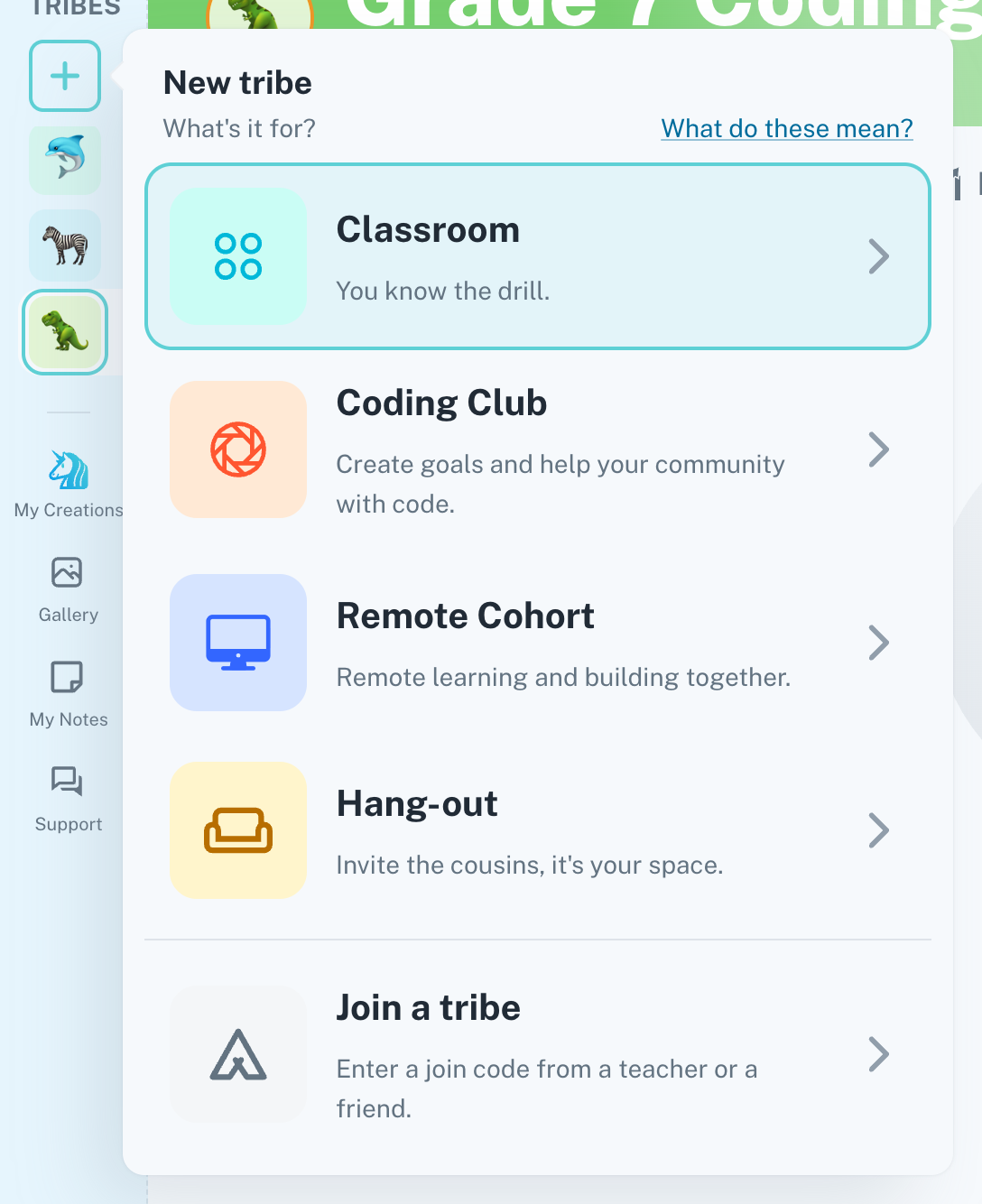
- In the sidebar, under TRIBES, select +. Under What's it for?, select Classroom.
- If you teach at more than one school, choose the school under Choose school:, then select Next.
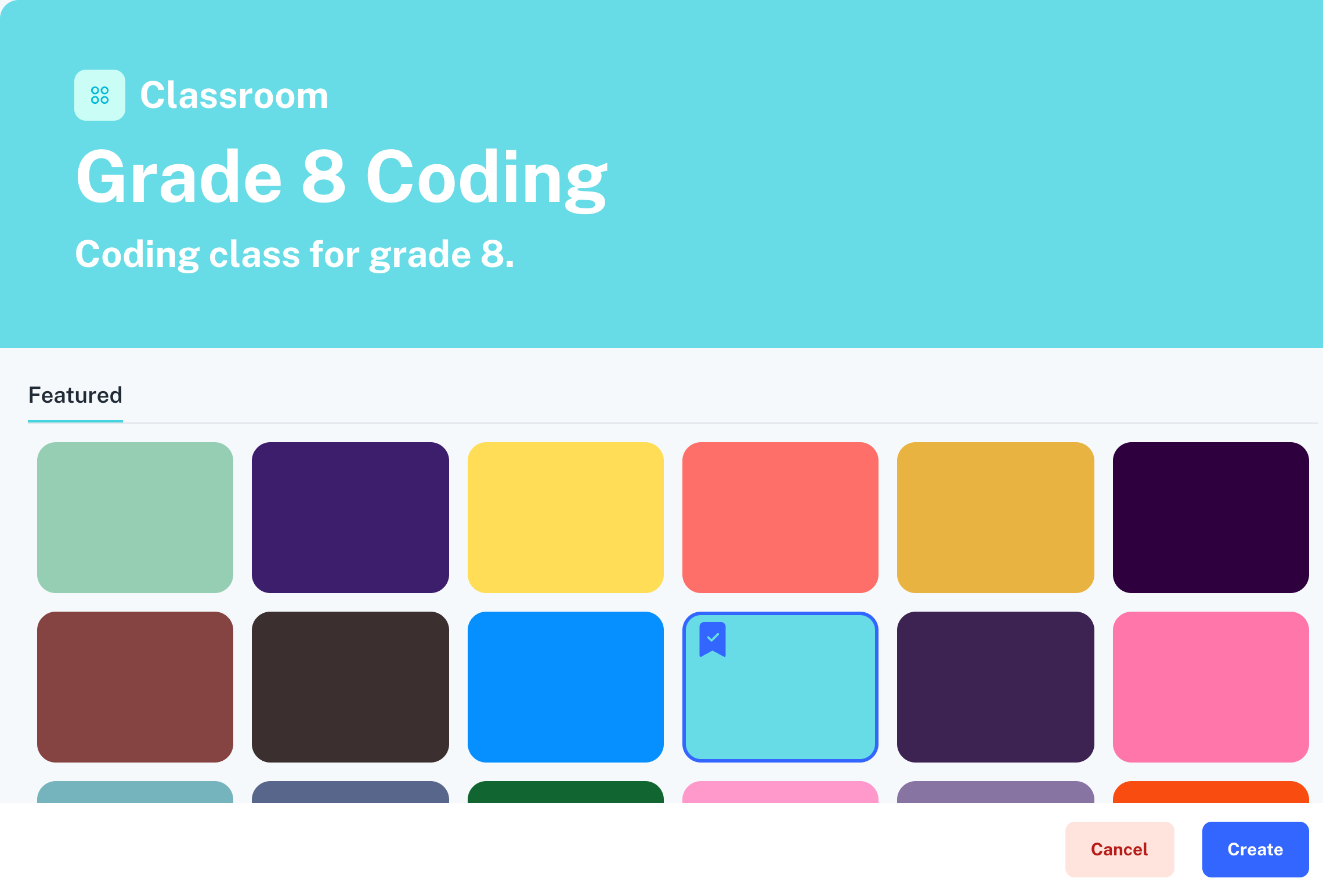
- Type the class name where it says Enter name ..., and a short description below it.
- Pick a color under Featured.
- Select Create. Your new class opens.
Next, invite your students.
Pick what it's for
On CodeTribe, a class is called a Tribe, and each Tribe says what it's for. Pick Classroom for a class you teach. To see this table in CodeTribe, select What do these mean? in the New tribe box.
| Kind | What it's for | Who can make one | Students can leave |
|---|---|---|---|
| Classroom | You know the drill. | Teachers | No |
| Coding Club | Create goals and help your community with code. | Teachers and students | Yes |
| Remote Cohort | Remote learning and building together. | Teachers and students | Yes |
| Hang-out | Invite the cousins, it's your space. | Teachers and students | Yes |
- Students can make their own Tribe of the last three kinds. It belongs to their school, so you see it with your classes and can change its settings.
- To change what a Tribe is for, open it, select ••• at the top right of its banner, then Settings. It's on the General tab.
Create a class in the dashboard
Admins can also create classes in the dashboard, which they open from their account menu with Manager Account.
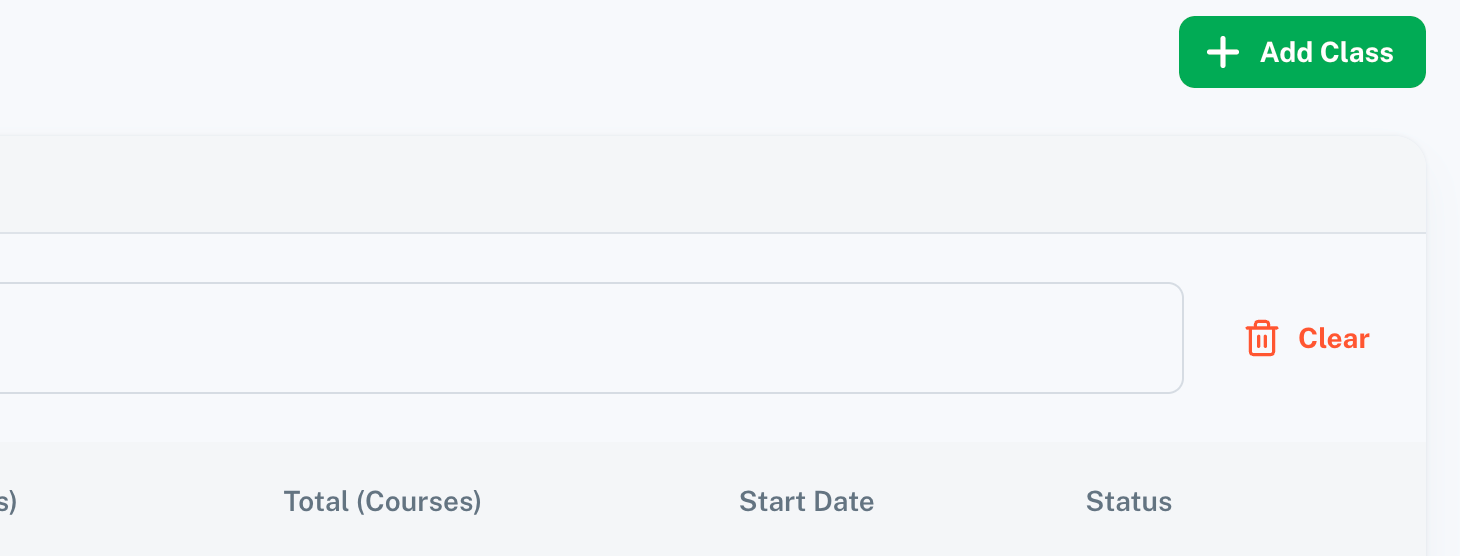
- In the sidebar, select Classes, then Add Class.
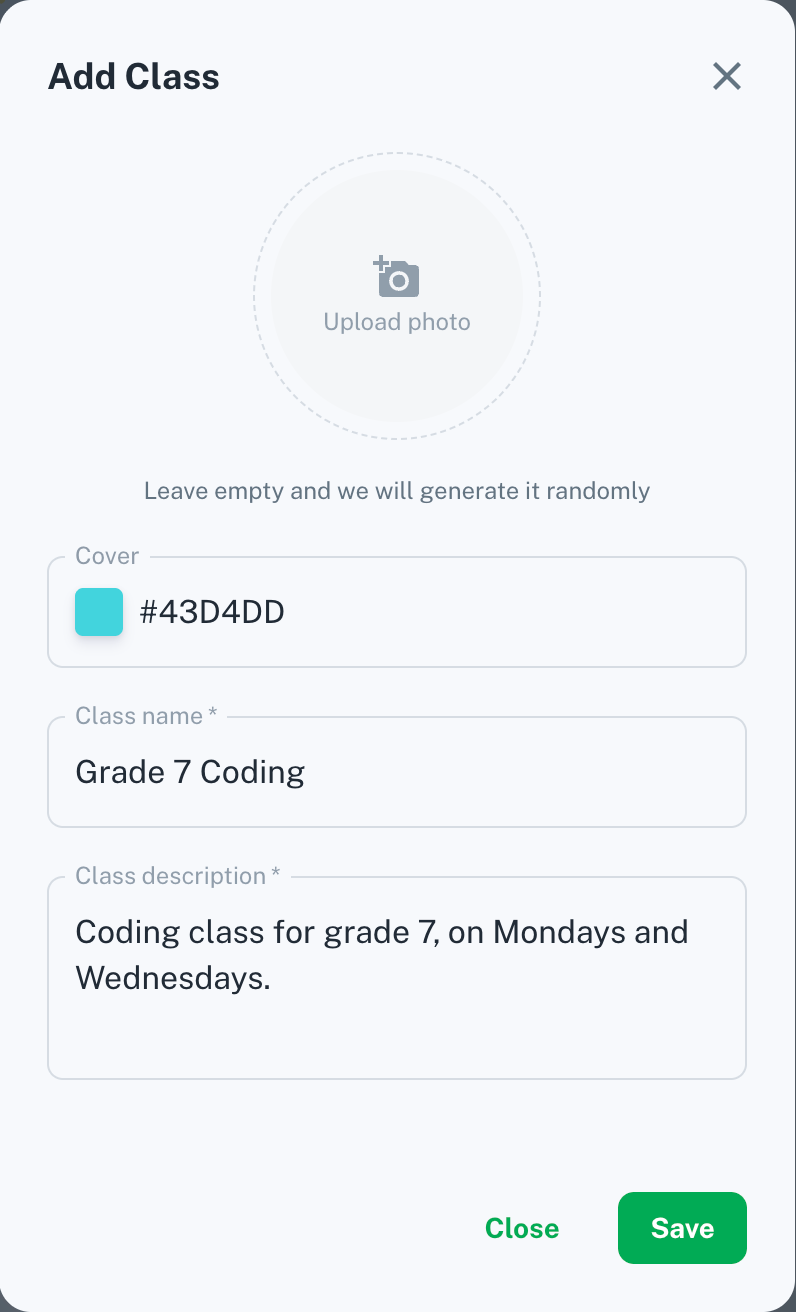
- Type a Class name and a Class description. Both are required.
- Optionally, pick a Cover color and upload a photo. If you leave them empty, CodeTribe picks them for you.
- Select Save. The class shows in the list.