Make your own Tribe
Start a Coding Club, Remote Cohort or Hang-out, then invite your friends.
Besides your class, you can start your own Tribe: a Coding Club, a Remote Cohort or a Hang-out. Only teachers make a Classroom. Your Tribe belongs to your school, so your teachers can see it too.
Start your Tribe
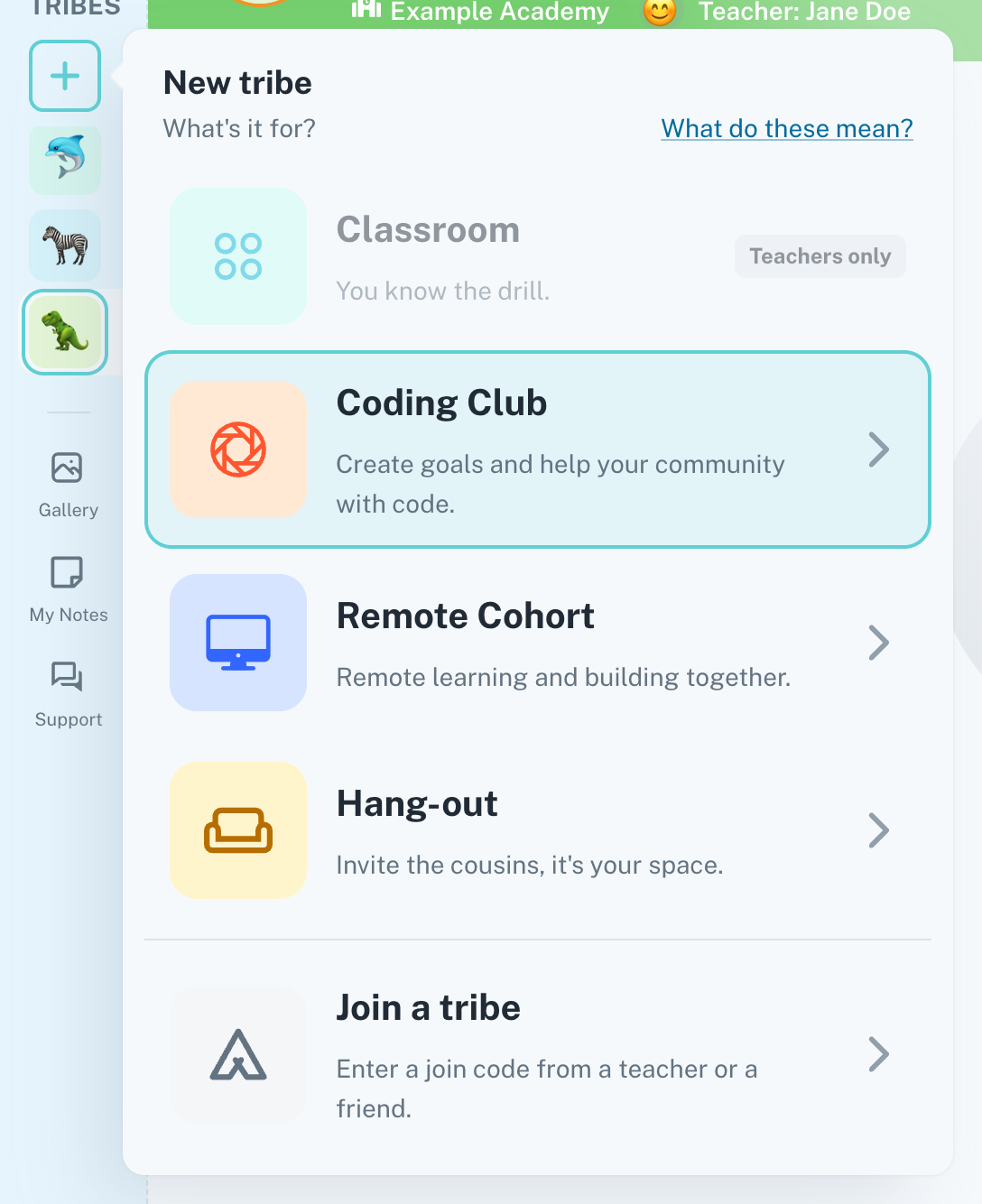
- In the sidebar, under TRIBES, select +. Under What's it for?, pick Coding Club, Remote Cohort or Hang-out. Classroom is greyed out, with Teachers only.
- Type your Tribe's name where it says Enter name ..., and a short description below it.
- Pick a color under Featured.
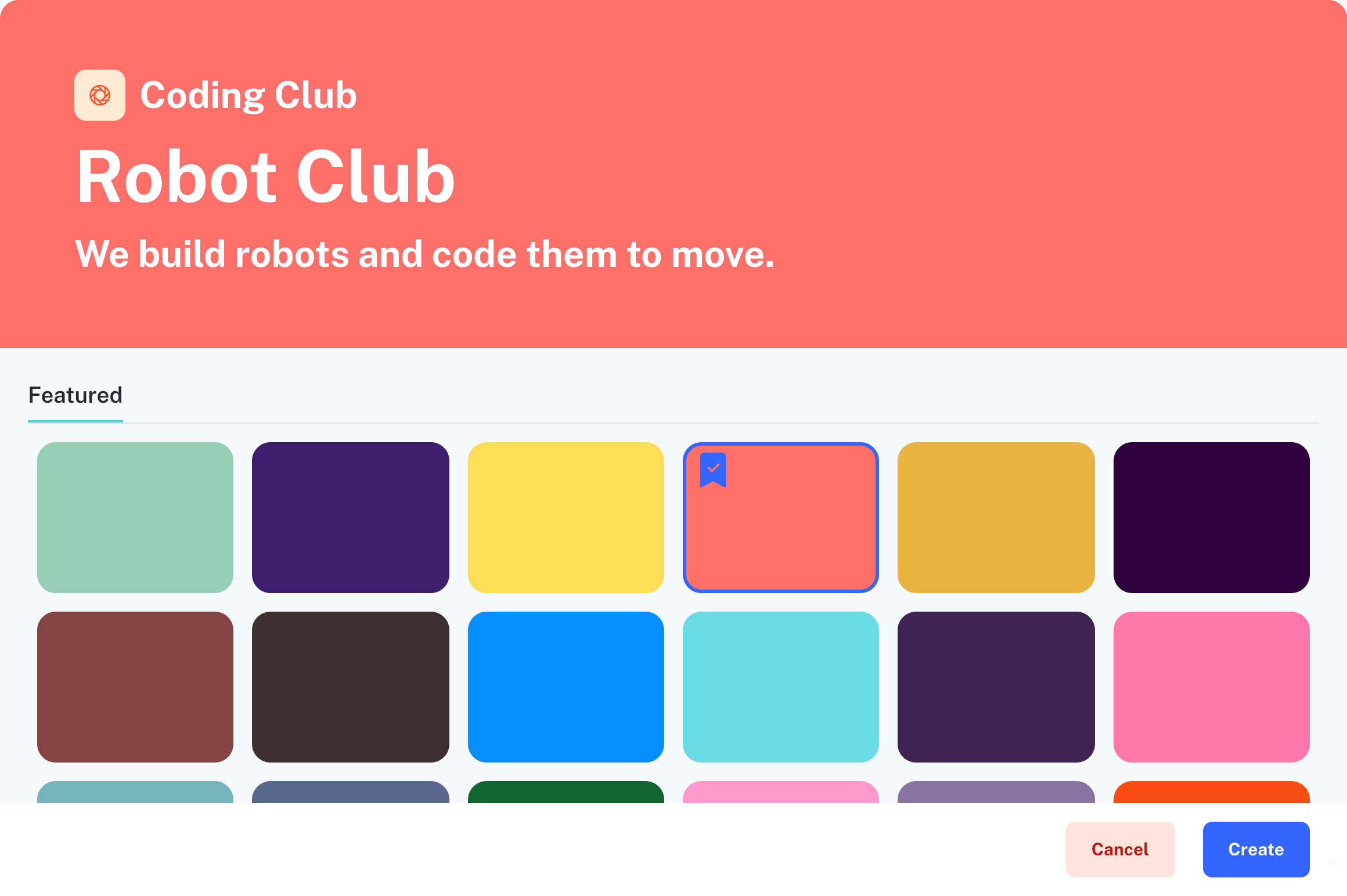
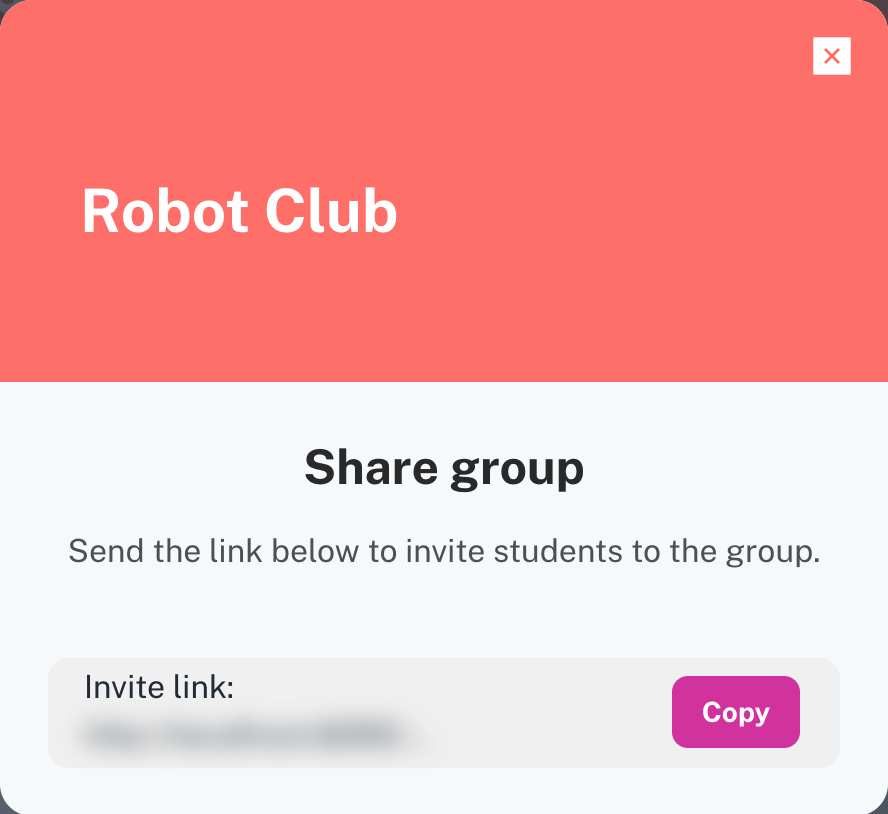
- Select Create. Your Tribe opens, with its Share group box.
Invite your friends
In the Share group box, select Copy, then send the link to your friends. Friends who open it can join your Tribe. To find the link again, select Share at the top right of your Tribe's banner.
You can also give friends the Join-code at the top left of the banner. They join the same way as a class: see Join your class.
If you don't see Coding Club, Remote Cohort and Hang-out after +, your organization has turned this off. You can still join Tribes.