Add teachers and schools
Add schools to your organization, invite teachers to them, and see everyone in your organization.
As your organization's admin, you add its schools and invite teachers to them. Teachers then create classes and invite their students.
Add a school
- In the sidebar, select Schools. It lists your organization's schools.
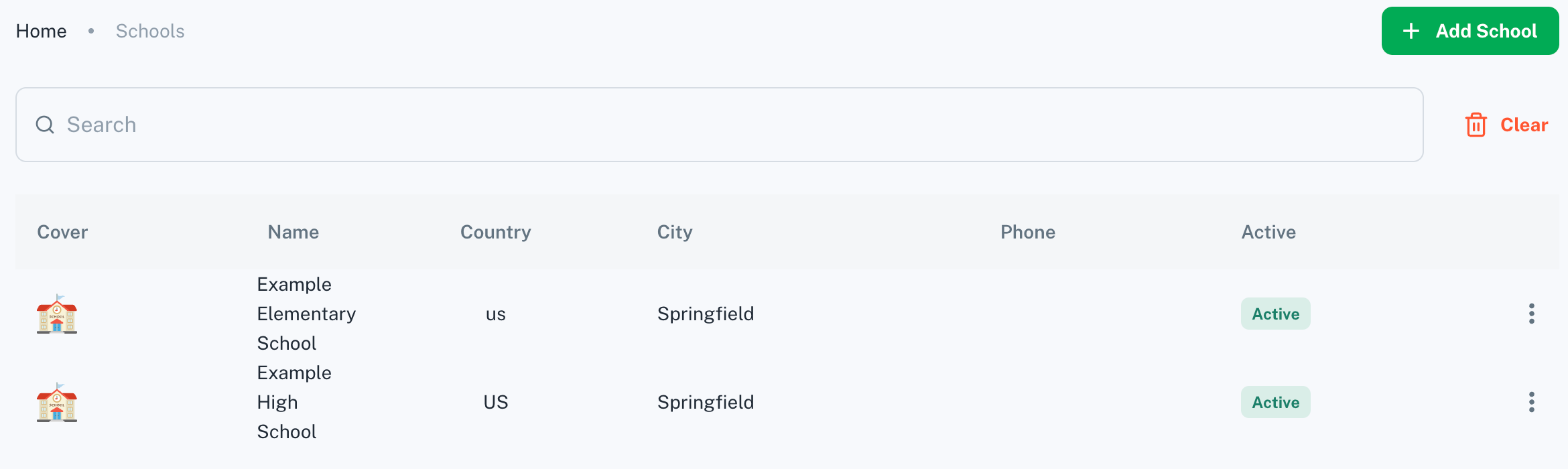
- Select Add School.
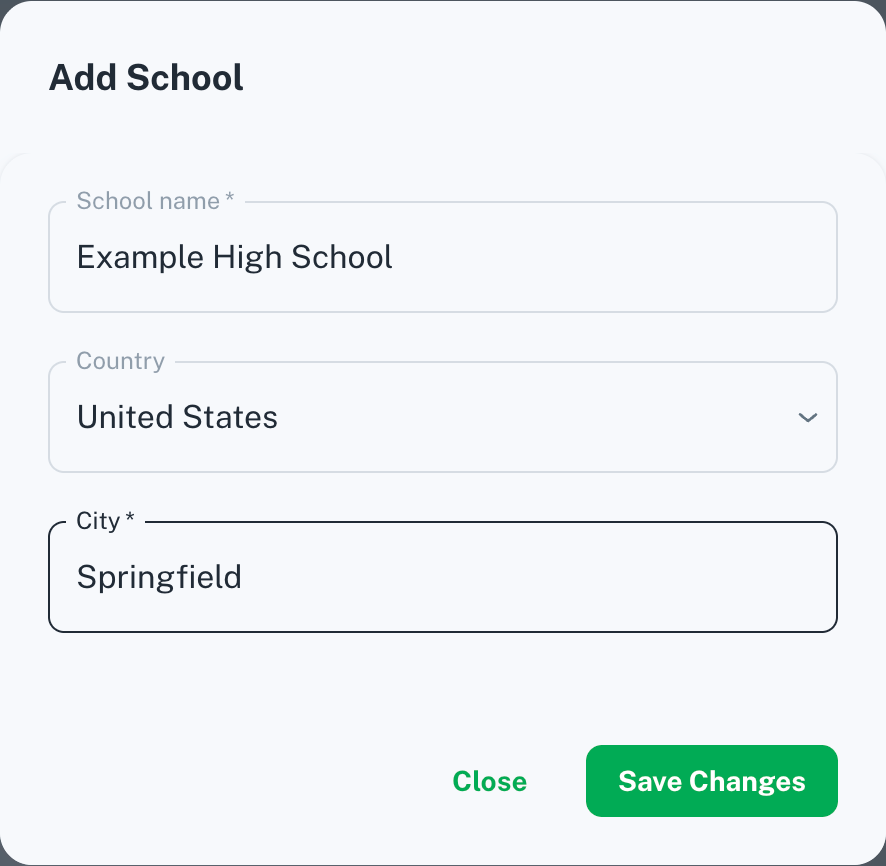
- Type the School name and the City, which are required, and pick the Country.
- Select Save Changes. The school shows in the list.
Your organization starts with one school, with a made-up name. To rename a school, pick it in the school menu at the top of the page, then follow Set up your school.
Invite a teacher
- On Schools, on the school's row, select ⋮, then Edit. School Info opens, with the school's Teachers and Classes.
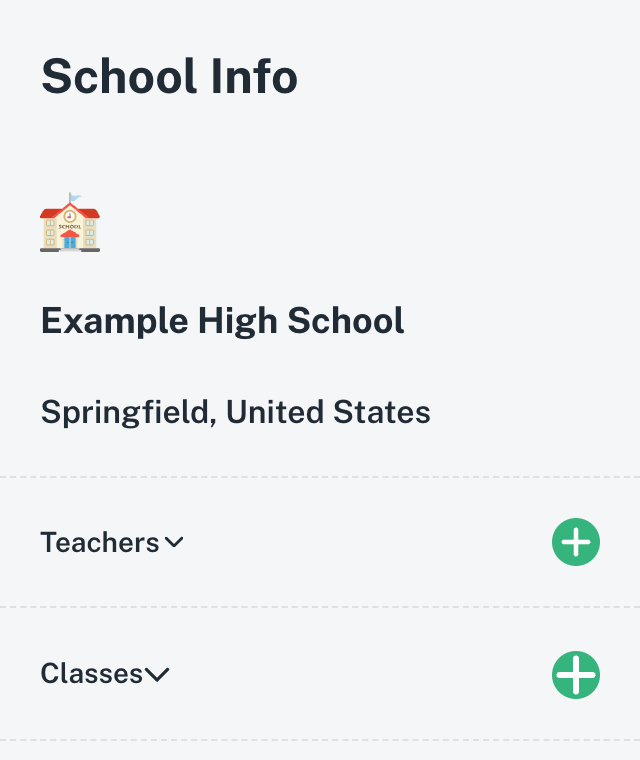
- Next to Teachers, select +.
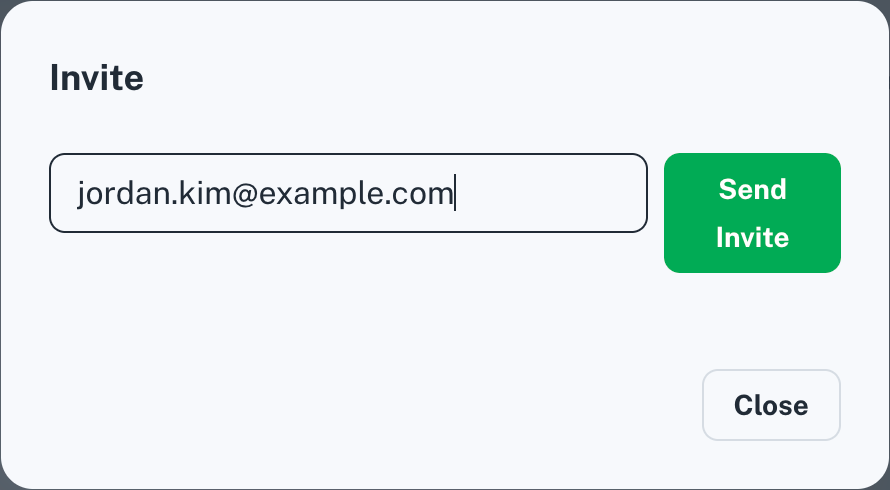
- Type the teacher's email, then select Send Invite. CodeTribe shows Invite sent.
The teacher gets an email with a link to join the school. They sign up as a teacher, or sign in if they already have an account. A teacher who already has an account also finds the invite in their bell, at the top right of the page, and joins with Join. They show under Teachers once they've joined.
See everyone in your organization
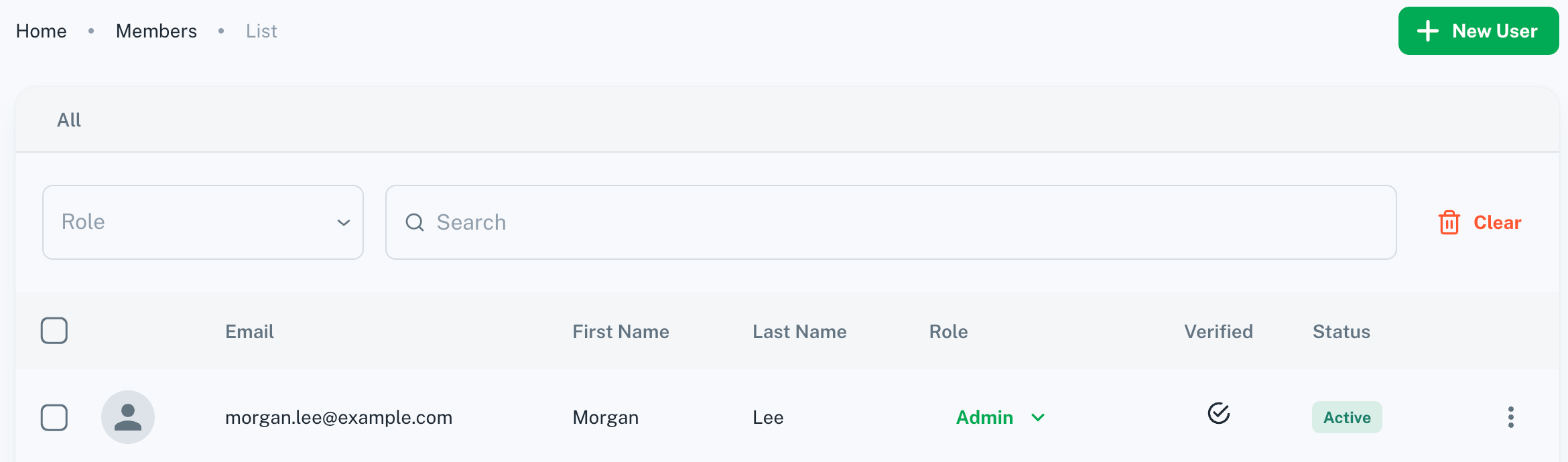
In the sidebar, select Members. It lists every account in your organization, with its role and status.