Group lessons into a module
Make a module, add your lessons to it, and put them in the order students should do them.
A module is a set of lessons in order. The courses in the Catalog are made of modules. You can make modules from your own lessons, but only admins can make courses.
Create a module
- In the sidebar, select My Creations, then My Modules.
- Select Create Module.
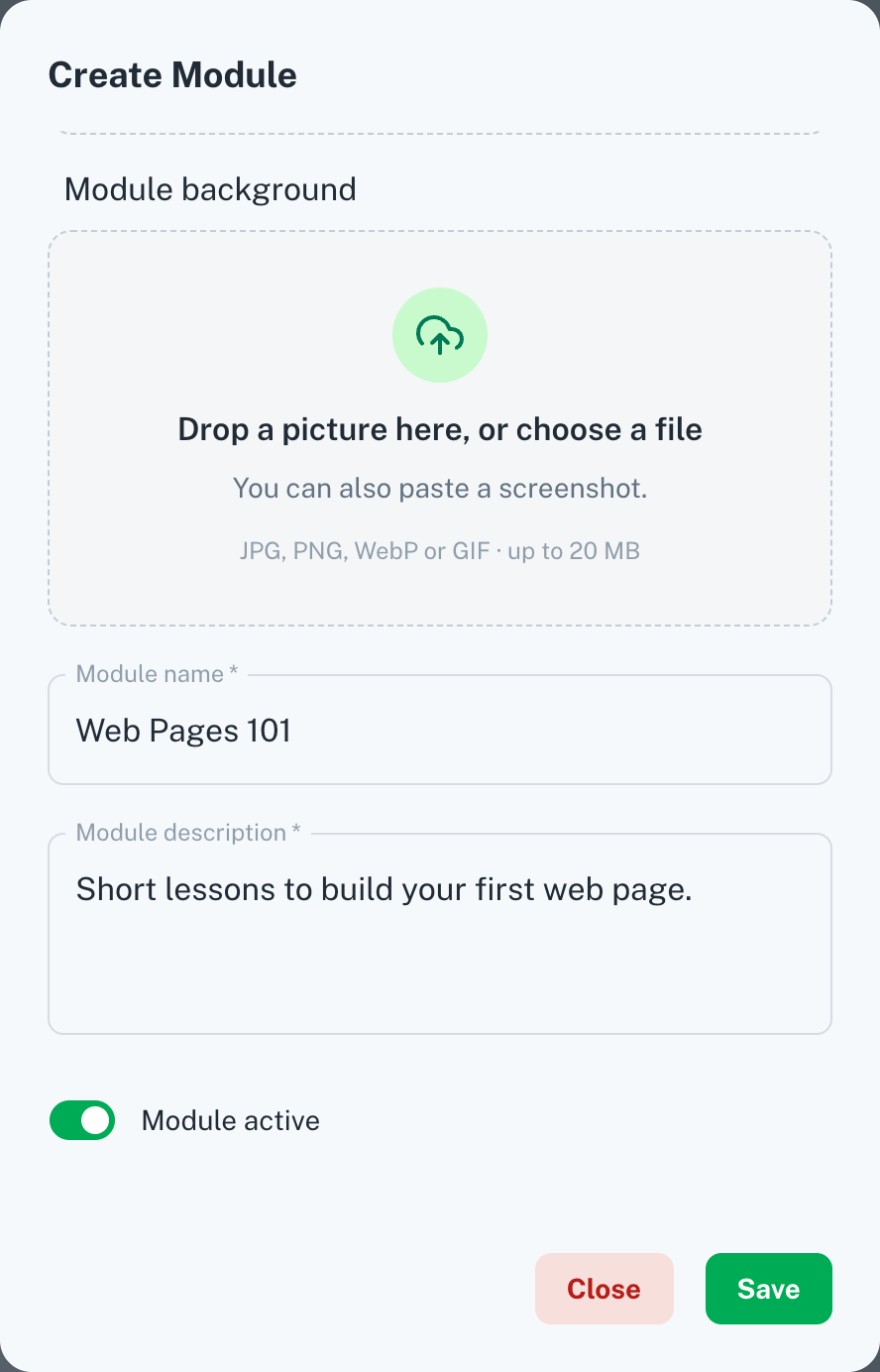
- Type a Module name and a Module description. Both are required. Optionally, add a Module image and a Module background.
- Turn on Module active. Courses show only active modules.
- Select Save. The module shows on My Modules.
Add lessons
- On My Modules, select the module. It opens with MODULE SETTINGS and Add Lesson, Quiz Or Activity on the left.
- Select Add Lesson, Quiz Or Activity. Add New Quiz and Add New Exercises don't do anything yet.
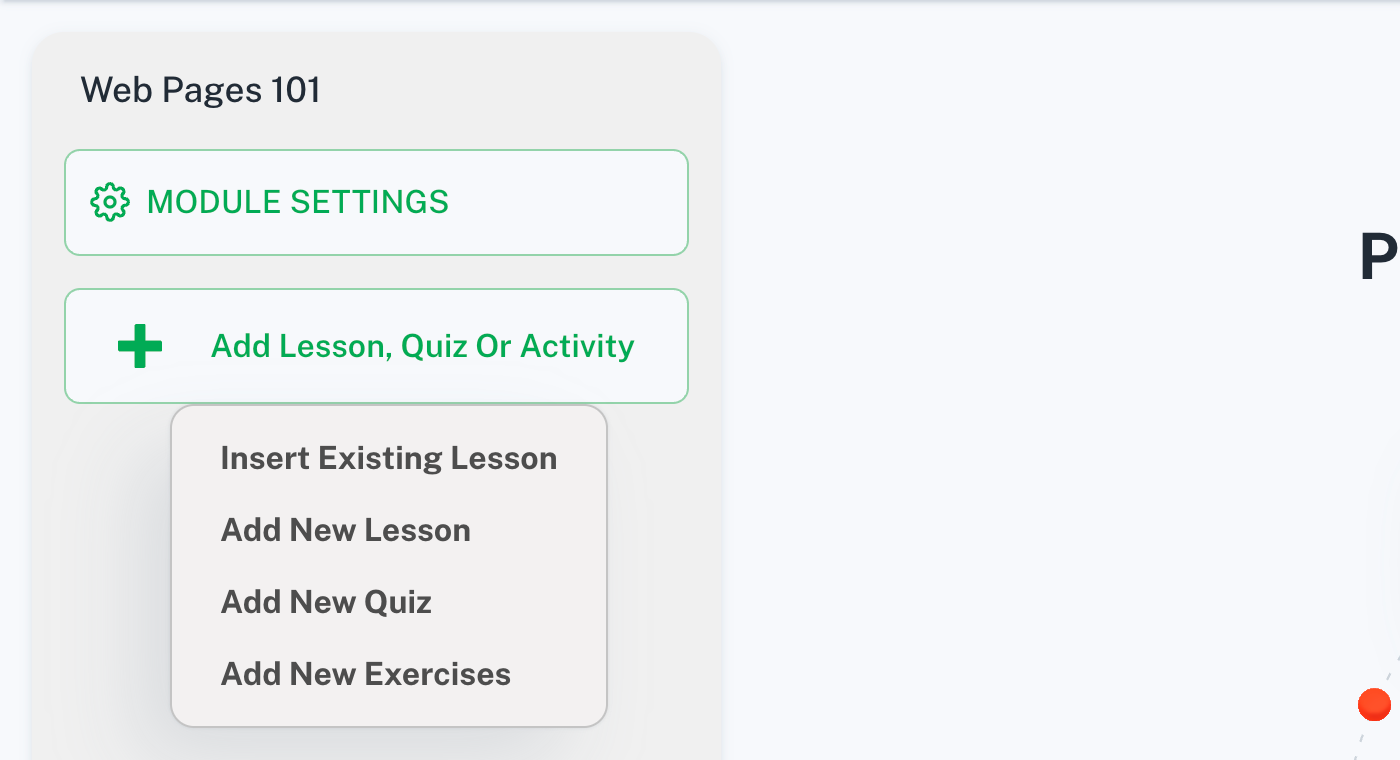
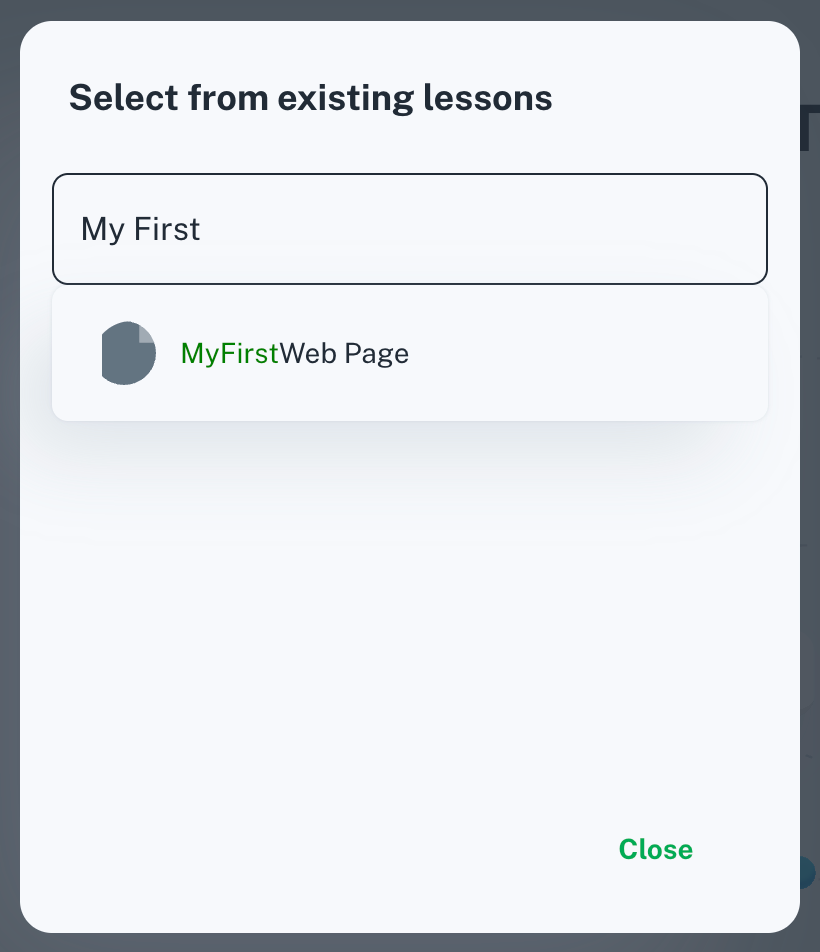
- To add a lesson you've already made, select Insert Existing Lesson. Select the box, or start typing the lesson's name, and select the lesson. It's added right away. Select Close when you're done.
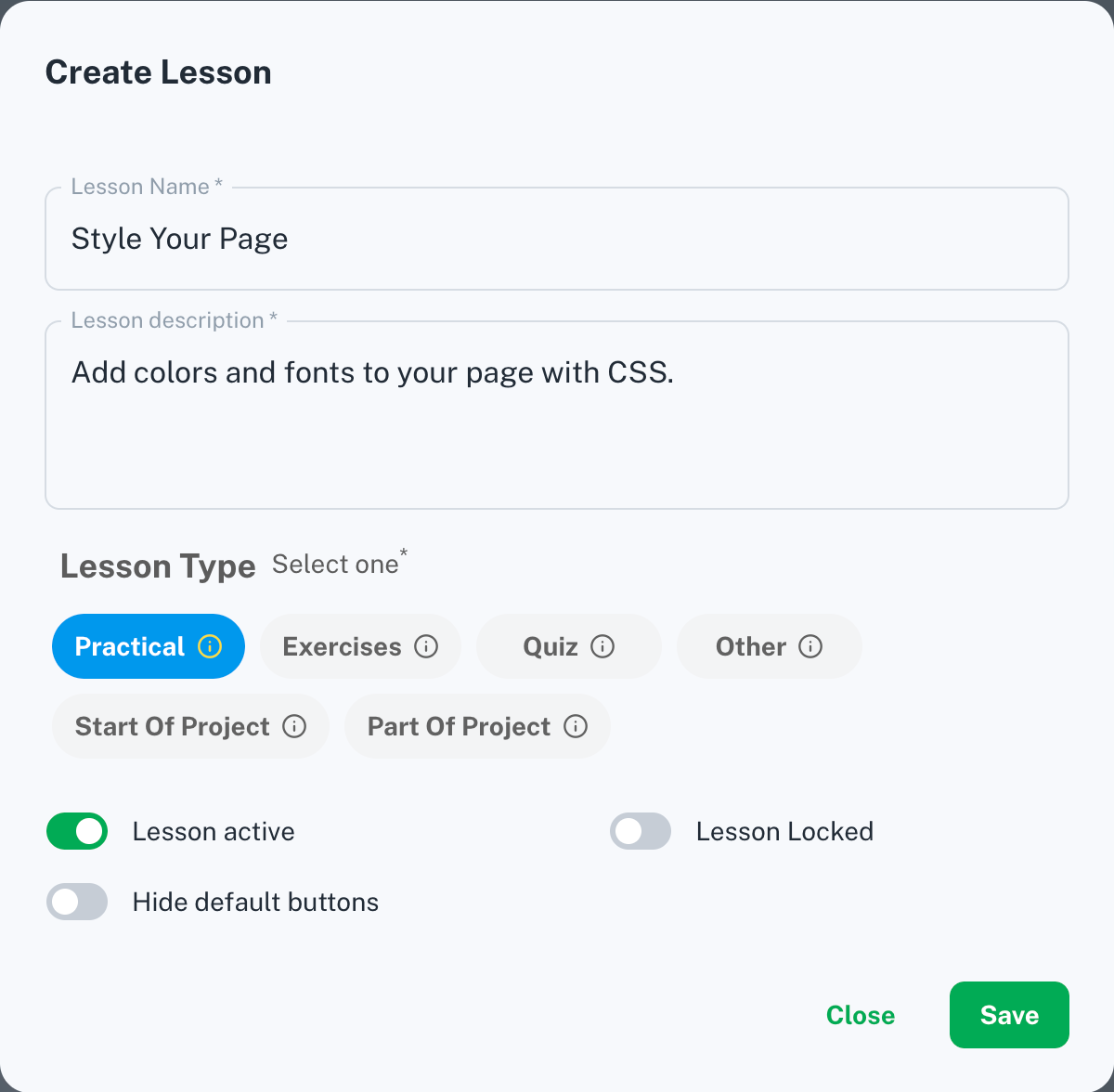
- To make a new lesson in the module, select Add New Lesson. Type a Lesson Name and a Lesson description, pick a Lesson Type, turn on Lesson active, and select Save.
Put the lessons in order
- Drag a lesson by its ⠿ handle to where it belongs. The new order is saved by itself.
- Select a lesson to see its details. Add/Edit Lesson Slides opens it in the lesson editor.
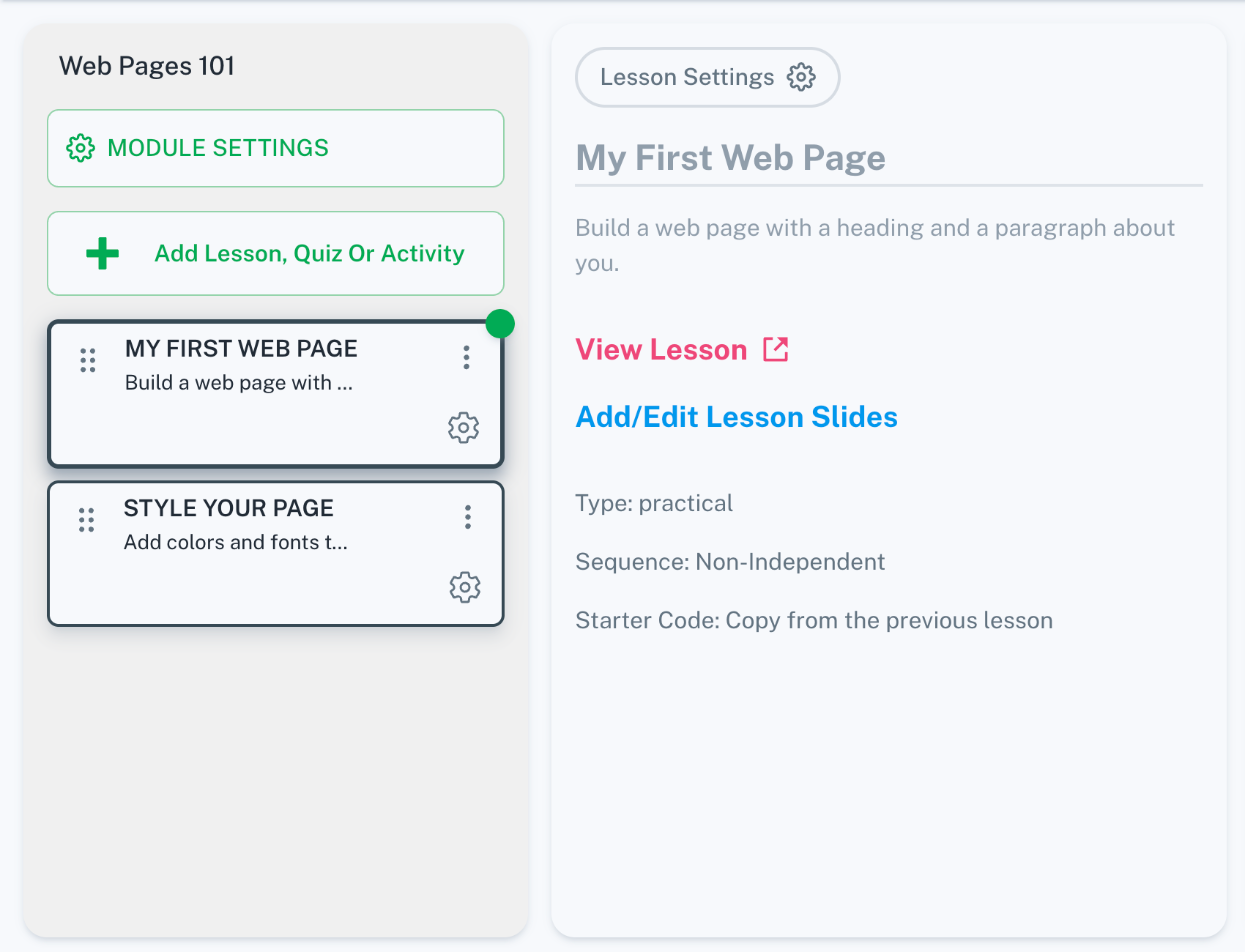
To take a lesson out of the module, select ⋮ on its card, then Remove. The lesson itself isn't deleted.
To give one of your lessons to a class, see Create a lesson.