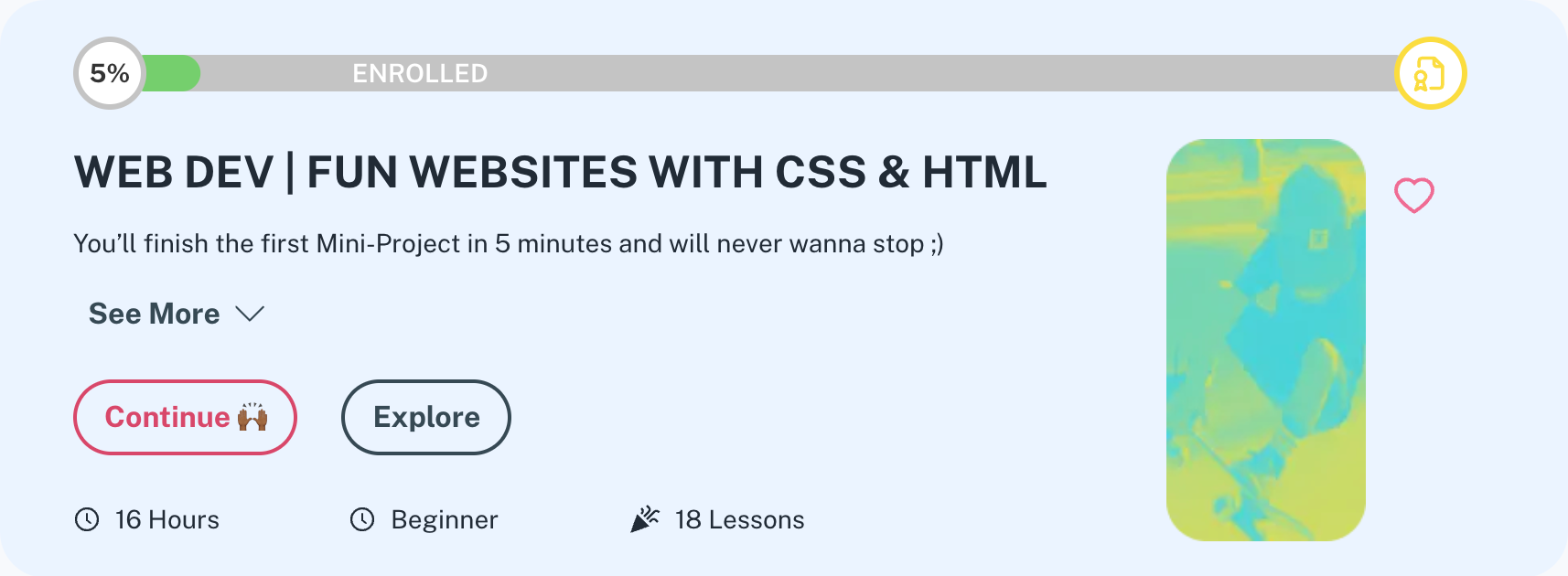
Start a course from the Catalog
Pick a course in the Catalog, start one of its modules, and continue where you stopped.
The Catalog lists all of CodeTribe's courses. You can start any of them, even if you're not in a Tribe.
Start a course
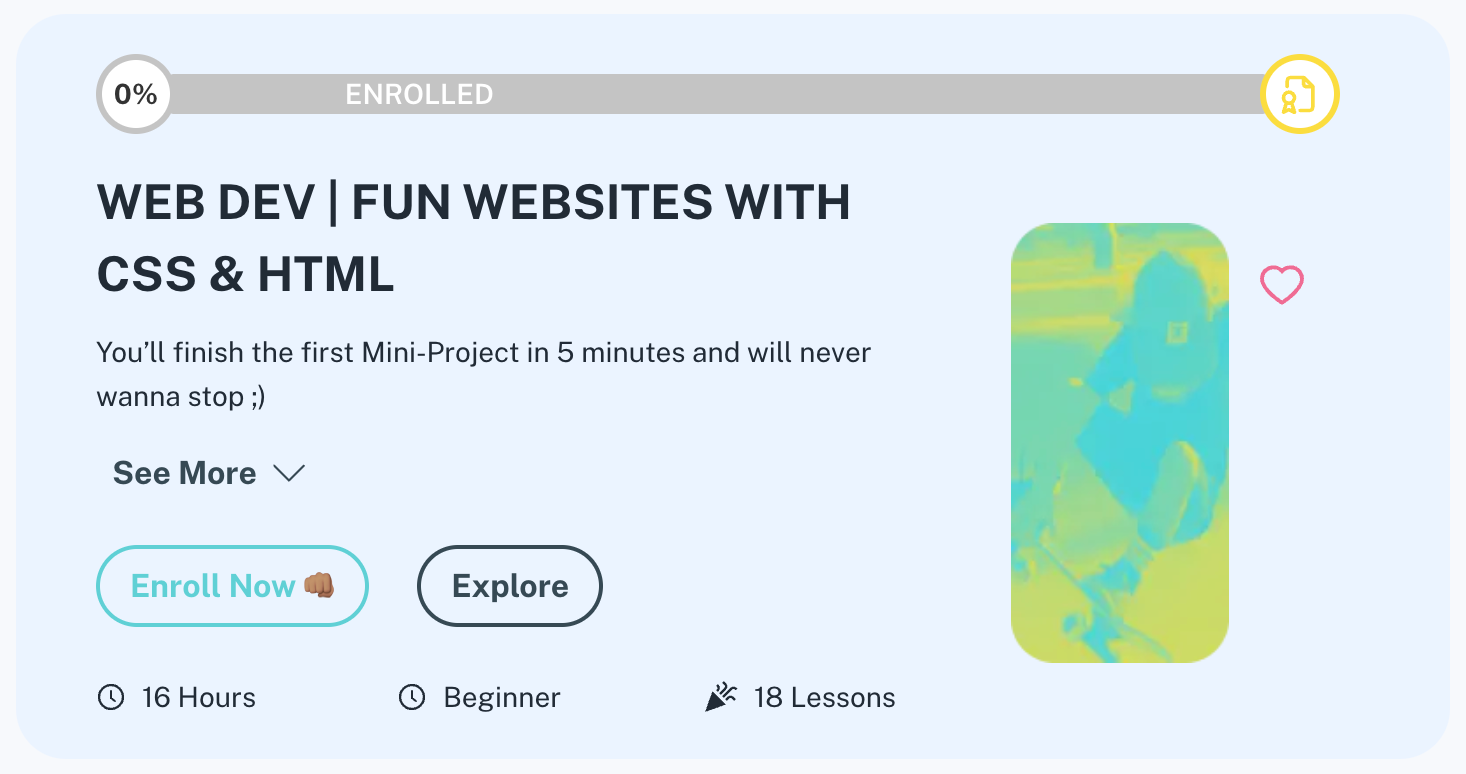
- In the sidebar, select Catalog.
- On a course, select Enroll Now or Explore. Both open the course's page. To read more about the course first, select See More.
- The course's page lists its modules. On a module, select Get Coding. Its first lesson opens in the code panel.
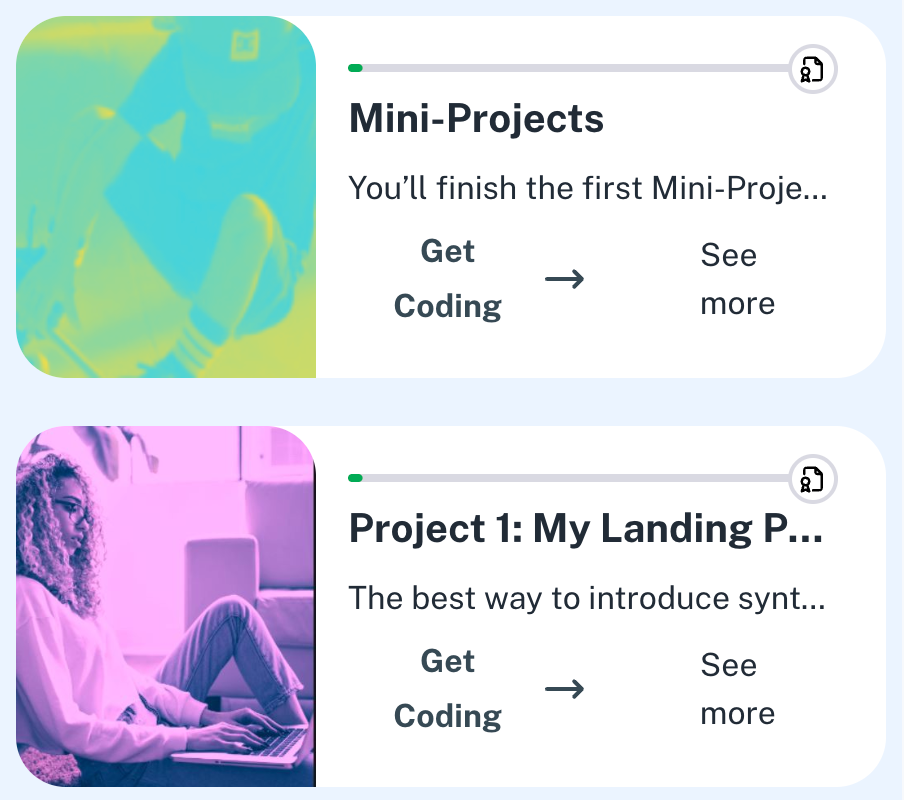
Next, do the lesson.
Continue where you stopped
Once you've started a course, its card in the Catalog shows how far you've got. Enroll Now becomes Continue. Select Continue to open the lesson you were on.